USER & RECIPE GUIDE
Thank you for choosing a Weber® Spirit® Smart EX-335 Gas Barbecue
This page will provide you with all the information you need to create outdoor meals and memories on your new 3-burner Spirit.
Our reinvented Spirit strikes the ideal balance between power, versatility, and space. Whether you're barbecuing for the family or hosting a laid-back weekend with mates, this guide will allow you to have cooking success, right out of the box. From understanding the basics of direct and indirect cooking methods, how to use the Sear Zone, learning how to keep your Spirit in top shape, discovering tips and tricks to get best results, through to finding cooking inspiration with our feature recipes.
If you need any further assistance, hints or tips, you’re welcome to reach out to us via phone, email or on our social channels.
Before you get started
iPhone 17 users please note - Initial pairing and setup of the Wi-Fi Enabled Digital Thermometer will not work on an iPhone 17 due to Bluetooth issues specific to that device.
Find out more information here.
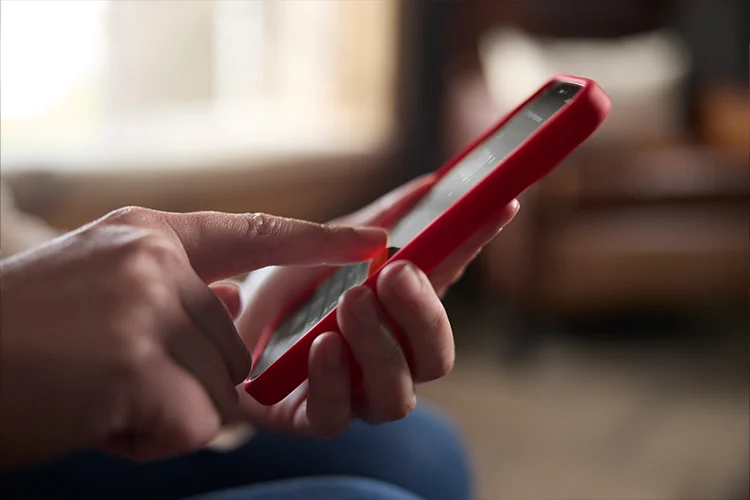
Download the Weber Connect® App
Download the Weber Connect App – it’s your gateway to the ultimate in control and monitoring.
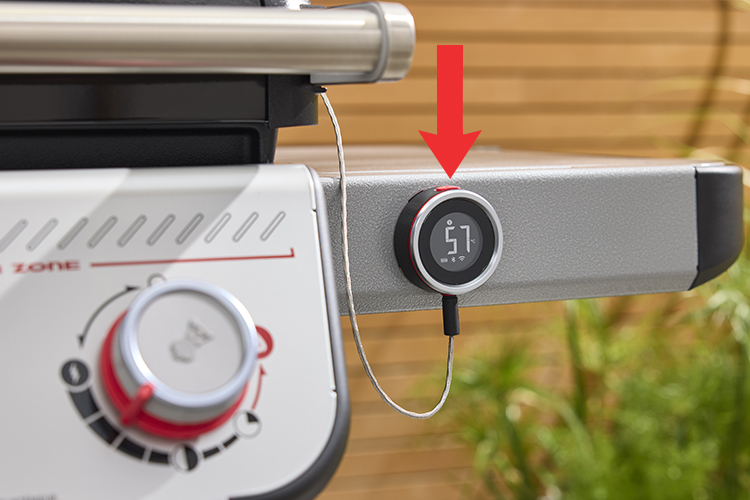
Turn on the Wi-Fi Enabled Digital Thermometer
Ensure 2 AAA batteries are secured in the thermometer and turn on by pressing the red button. At first use, it should say APP.

Pair the Wi-Fi Enabled Digital Thermometer with the App
Pair the Wi-Fi Enabled Digital Thermometer on your barbecue with the Weber Connect App by scanning the QR code inside the barbecue cabinet.

Quick Start Guide

Barbecuing and Food
Temperature Guide

Warranty
Information
Recipes To Get You Started


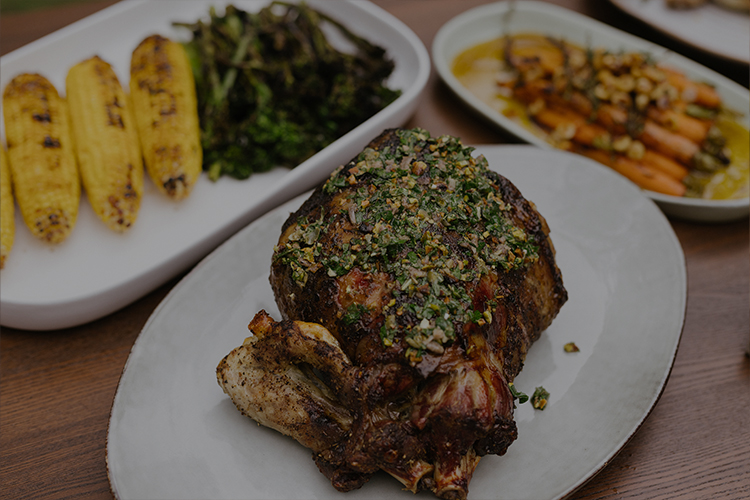



Ready to Cook? Find More Great Recipe
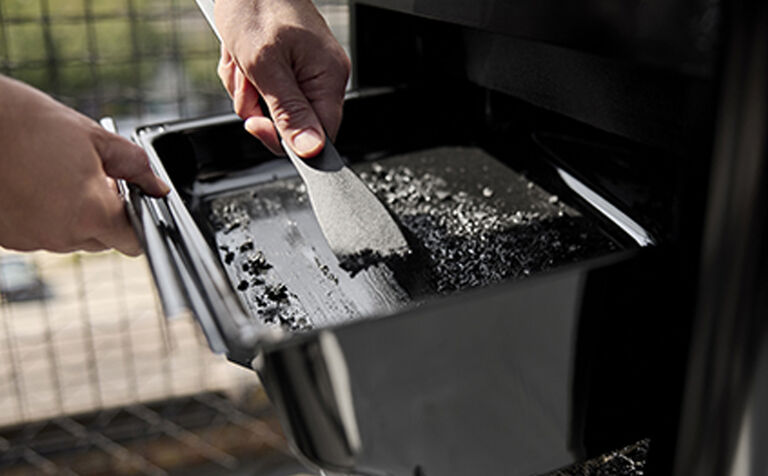
Care and Maintenance of your Weber Spirit Barbecue
SPIRIT ACCESSORIES